
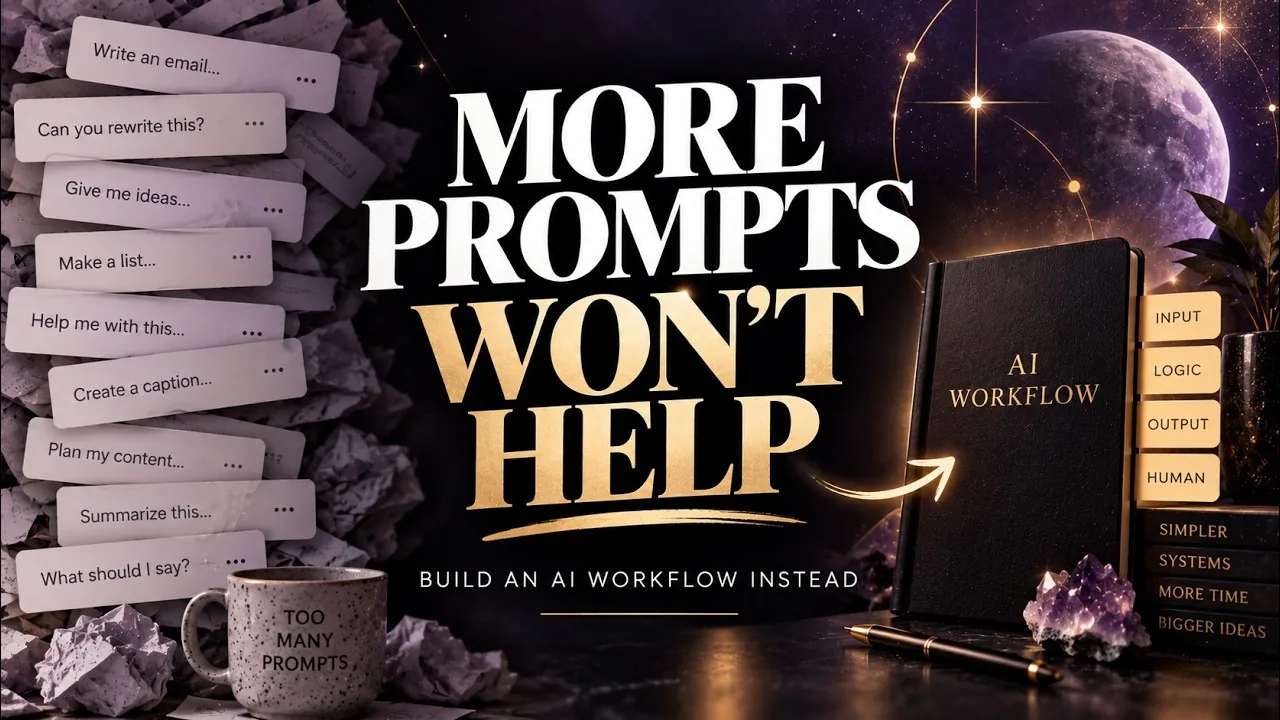
You Don’t Need More AI Prompts: How to Build Simple AI Workflows for Your Spiritual Business
You open ChatGPT to write this week’s email. You explain who your audience is, paste in your notes, describe your tone, and ask for a draft. It’s helpful. Next week, you open a new chat and do the whole thing again.
That’s how most spiritual business owners use AI right now, and there’s nothing wrong with it. AI helps with the task. But the way the work gets done stays exactly the same, and you keep rebuilding the same setup every time the task comes around.
The fix isn’t a bigger prompt library. It’s a better way to handle the work you do over and over again.
This post walks through how to build simple AI workflows for your spiritual business: what a workflow actually is, how to spot the tasks worth turning into one, four real examples, and a prompt you can use today to build your first one. It’s based on my summit talk, You Don’t Need More Prompts, which you can watch here.
How Most of Us Use AI (and Why It Stays One-Off)
The most common way to use AI is task by task. Write an email. Rewrite a paragraph. Brainstorm ideas. Make a list. Then the next time that task comes up, you start over.
Even with saved projects and custom instructions, it’s easy to end up saying “haven’t we already talked about this?” and explaining the same context again. AI makes each task faster, but it doesn’t change the process around the task. The same sticking points you had before AI just move into a chat window.
That’s useful. It just doesn’t get you any further in your business.
Switch the Question: Why Am I Still Doing This Task This Way?
Instead of asking “how can AI help me do this task?”, ask a different question: why am I still doing this task this way every time?
A lot of what we do is on default. We did it once, it worked, so we kept doing it that way. Asking why breaks you out of that loop and points you toward the parts of your work that could be simpler.
Look for anything repeated:
- Repeated work
- Repeated setup
- Repeated decisions
- Repeated explanations
- Repeated cleanup
Some common examples: opening an old listing to remember which fields you filled in, rereading your services to decide whether a request fits, or explaining your brand voice to AI for the tenth time. Those patterns usually point to a workflow opportunity.
What Is an AI Workflow? Input, Logic, Output, Human
An AI workflow is simply a repeatable way of getting a specific kind of work done. It doesn’t need a lot of steps, and it doesn’t need an app. At its simplest, every workflow has four parts:
- Input: what you start with. Your notes, the customer’s message, the product details.
- Logic: the steps, rules, and decisions. What should happen to that input?
- Output: the result. A draft, a summary, a listing, a list of options.
- Human: you. The judgment, nuance, strategy, and final check.
That last part matters more, not less, when you use AI. The human part is how you connect with people and bring your own voice and perspective to your work. A good workflow uses AI to remove the repetitive parts so you have more room for the parts only you can do.
How to Spot an AI Workflow Opportunity
Start with one task you’ve done at least a few times. Then ask yourself:
- Friction: What keeps taking too much time? Is it hard, slow, repetitive, or full of cleanup?
- Input: What information do I always start with?
- Logic: What do I find myself repeating or deciding every time?
- Output: What should exist at the end, and what does “done” mean to me specifically?
- Human: Where do I still need to step in? What does my final review look like?
You don’t need perfect answers. A rough map is enough to start, and AI can help you fill in the gaps.
The Workflow-Builder Prompt
Here’s the prompt from the talk. Copy it into ChatGPT, Claude, or whichever AI tool you use.
Help me turn a task I repeatedly do into an AI-assisted workflow. First, map out the current process: the trigger, the input, the steps, the decisions and rules, the outputs, and the human checkpoints. Then suggest the smallest reusable version I could test manually before I automate or build anything. Ask me questions wherever the process is unclear.
A tip that makes this much easier: after you paste the prompt, use your AI tool’s microphone button and just talk. Describe the task, what you do now, what output you want, and where you want to review things. You don’t have to type it all out or organize it first. Let it ask you questions and sort it out with you.
Want help writing your first prompt? My free AI Get-Unstuck Prompt Builder asks you a few questions about what you’re working on and gives you a ready-to-use prompt for any AI tool.
4 AI Workflow Examples for Your Spiritual Business
Here’s how Input, Logic, Output, and Human look for four tasks most spiritual business owners do regularly.
1. Customer Inquiry Workflow
- Input: the inquiry, your service list, pricing ranges, policies, and current availability.
- Logic: identify what the person needs, compare it with your services and rules, find missing details, and flag anything unusual.
- Output: a reply draft, or a short summary of what’s being asked and what’s different about this request.
- Human: confirm the tone, check that the reply actually answers the real question (especially if it’s sensitive), make sure pricing, availability, and promises are accurate, then send it yourself.
The result is consistent replies without piecing each one together from scratch.
2. Weekly Email Workflow
- Input: this week’s ideas and notes, your current offers, your audience, links, and a voice guide. You can talk through all of this out loud instead of typing it.
- Logic: pull out the useful points, follow the email structure you normally use, and stick to your voice and your brand do’s and don’ts.
- Output: whatever helps you most. A cleaned-up outline you write from, a full draft you edit, or subject line options.
- Human: add your personal story, check that everything is accurate, and make sure it’s an email you’d be proud to send and glad to receive.
The result is a reusable structure that removes the weekly setup. The same approach works for bigger projects too, like building a lead magnet ebook.
3. Product Listing Workflow
- Input: product facts, photos, dimensions, and materials.
- Logic: what information the listing needs, the SEO and metadata, your formatting, which features to highlight, and your voice.
- Output: a finished listing.
- Human: verify the facts, decide the positioning, choose the photos, and publish. You’re responsible for anything AI helps you put out into the world.
Product listings used to be the task I dreaded most. With a workflow, they’ve gone from tedious to pretty quick and mostly painless. The result is fewer forgotten fields, less repetitive formatting, and a process you can manage instead of one you avoid.
4. New Offer Workflow
- Input: your rough idea, who it’s for, the goal, your pricing range, and your constraints, including what it should and shouldn’t cover.
- Logic: clarify who it’s for, what’s included, and where the gaps are. Ask AI to draft the core pieces, then to find the weak spots and check whether it matches what your ideal customer is looking for.
- Output: a clear offer brief or a stronger description, in the exact format you want. (Still deciding what to make? Start with these 20 digital product ideas for spiritual entrepreneurs.)
- Human: decide where you want to weigh in. Maybe you only review an outline and write the final version yourself, or maybe you review a finished draft.
This example shows something important about every workflow: the more context you give AI, the better the result. Telling it to “act as an expert marketer” doesn’t do much on its own anymore. What it needs is your real details: your idea, your audience, your goals, your boundaries. And be just as specific about the output. If you want six paragraphs, a Word document, or a particular reading level, say so. Even “more like this, less like that” helps.
Keep the Human in Your AI Workflow
AI is good at repetition, organization, comparison, and working through a lot of information quickly. It can spot gaps, poke holes in an argument, and suggest where a reader might get lost.
What it can’t do is replace your judgment, your full picture of the business, your ethics, your taste, your relationships, or your strategy. And it shouldn’t be the last step. Read everything before it goes to your audience, make sure you agree with it, and change what doesn’t fit.
As you build a workflow, ask: where does someone actually need me? Protect that part. Then use AI to remove the rest: the repetitive setup, the formatting, the tasks you’d rather not do.
Start With a Shovel, Not a Bulldozer
Your first workflow can be very small. It might just be a repeatable conversation with a consistent format, where you swap in the details each time. Later it could become saved instructions, a template, a project, a Claude skill, a small tool, or an automation. You don’t need to know which one yet.
In my day job as an instructional designer, I often use this analogy: a shovel and a bulldozer both dig holes, but you use them in very different situations. You wouldn’t bring a bulldozer to plant marigolds, and you wouldn’t build a highway with a shovel.
The tool should follow the purpose, not the other way around. Better process first, fancier tools second.
Common Mistakes When Building AI Workflows
- Collecting prompts instead of fixing a process. A big prompt library still leaves you starting from scratch every time.
- Starting with the tool. Map the process first. Add technology only if the process is worth repeating.
- Giving AI too little context. General input gets general output. Your details are what make the result useful.
- Being vague about the output. Say what format, length, and tone you want.
- Skipping the human checkpoint. You’re responsible for what goes out under your name. Review it every time.
- Trying to automate everything at once. Start with one task, test it, improve it, then move on.
Frequently Asked Questions
What is an AI workflow?
An AI workflow is a repeatable way of getting a specific kind of work done with AI’s help. It has four parts: the input you start with, the logic or rules for what happens, the output you want, and the human review at the end.
Do I need to know how to code to build an AI workflow?
No. Your first AI workflow can simply be a repeatable conversation in ChatGPT or Claude with the same structure each time. Tools and automations can come later, only if you need them.
Which tasks in a spiritual business are best for AI workflows?
Look for anything you do repeatedly with the same setup: answering customer questions, writing weekly emails, creating product listings, and planning new offers are good places to start.
Which AI tool should I use?
Whichever one you prefer. ChatGPT, Claude, Gemini, and the other major tools all work for this. The workflow matters more than the tool, so start with the one you already use.
Will AI workflows make my business sound generic?
Not if you give AI real context, like your voice, audience, and examples, and keep yourself as the final reviewer. The human step is where your voice, judgment, and relationships stay in the work.
How long does it take to set up an AI workflow?
Your first small version can take less than an hour: map the task, run the workflow-builder prompt, and test it the next time the task comes up. Then improve it as you go.
One Process Worth Keeping
Find one task you’ve done at least a few times. Map it as input, logic, output, and human. Use the prompt above to build the smallest reusable version, then test it, fix it, and use it again.
You don’t need a bigger prompt library. You just need one process that’s worth keeping.
Get More Practical AI Tools Inside the Vault
If you want help getting started, the Lunar Leo Design Vault has practical AI tools, creative resources, and business support for spiritual entrepreneurs. It’s free to join, so come in, look around, and say hello.