The Repeat Lab by Lunar Leo Design
Seamless patterns are hard to make. AI is even worse.
Arranging motifs by hand takes forever, and the edges still don’t line up. AI gives you seams and clumps you can’t fix. The Repeat Lab is a browser tool that builds the repeat for you: add your clipart, place it, and every tile lines up the first time. No more “almost seamless but not quite” patterns.
Works in your browser · Unlimited patterns · Sell what you make
Included in a paid Vault membership, along with 30+ more tools and 15,000+ commercial-use files.
The problem
Why seamless patterns are so hard to get right
Making them by hand
- You offset the canvas, fix every motif that got sliced at the edges, then offset again to check.
- Move one motif and the edges break, so you’re back to fixing them.
- Half-drop and mirror repeats add even more measuring.
- Hours of nudging later, it’s still a little off.
Asking AI to do it
- AI image tools make a picture that looks like a pattern, then a seam line shows up when you tile it.
- Even with a tile setting, you don’t get a say in where anything goes, so you get clumps, gaps, and half-motifs.
- You can’t move or swap one motif. You re-roll and hope.
- The files are too small for a 12 × 12 inch, 300 DPI pattern, and upscaling can soften the details.
I built the Repeat Lab for my own shop because I was tired of it. Arranging patterns by hand took forever, and they were still off. The AI ones needed just as much fixing.
The Repeat Lab builds the repeat for you. You place the motifs, it handles the wrap, so every tile is seamless from the start.
See it in action
From clipart to finished pattern
Watch a seamless pattern come together from clipart in about 10 minutes.
How it works
Add. Arrange. Recolor. Export.
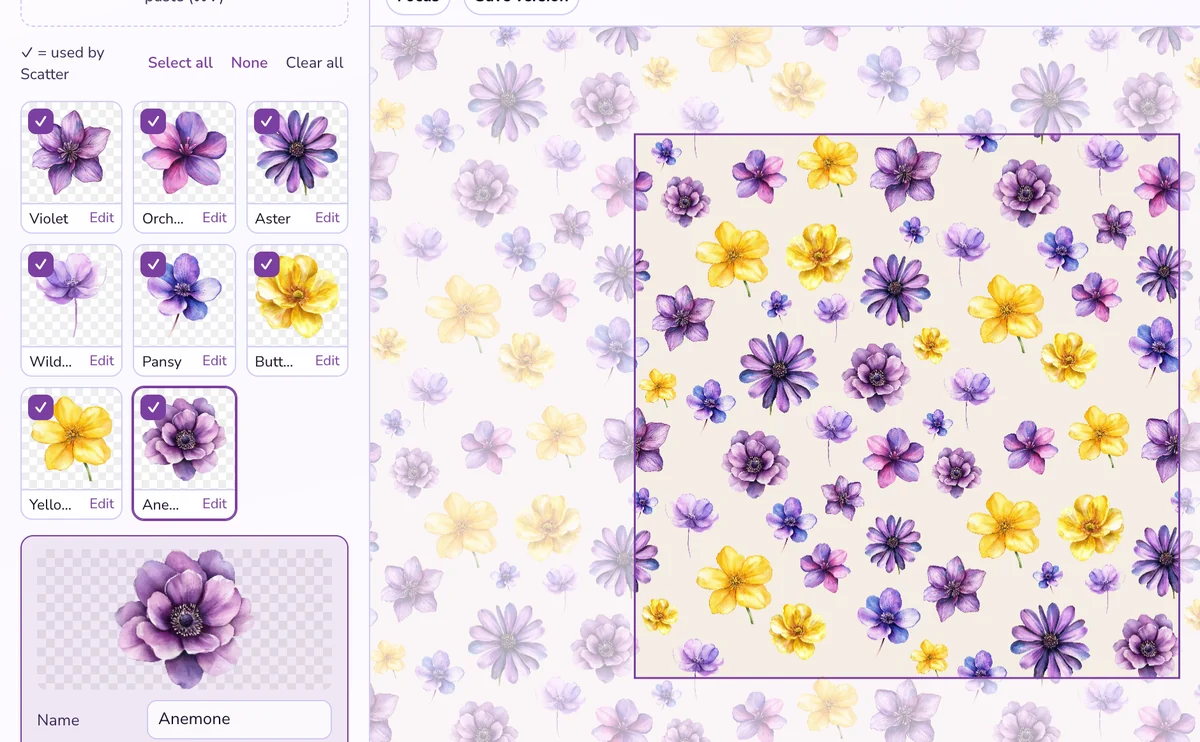
1. Add your clipart
Upload your PNG or JPG motifs. Made them with AI? Remove the background in one click so only the motif is left.
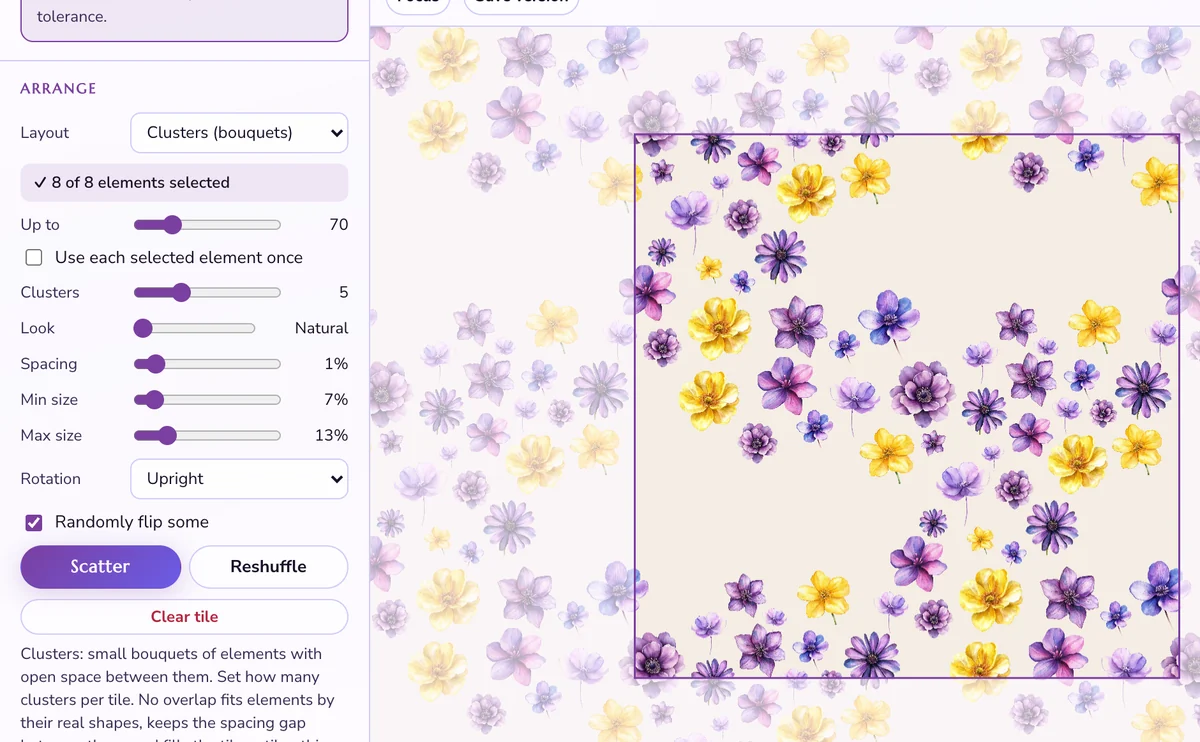
2. Pick a repeat and layout
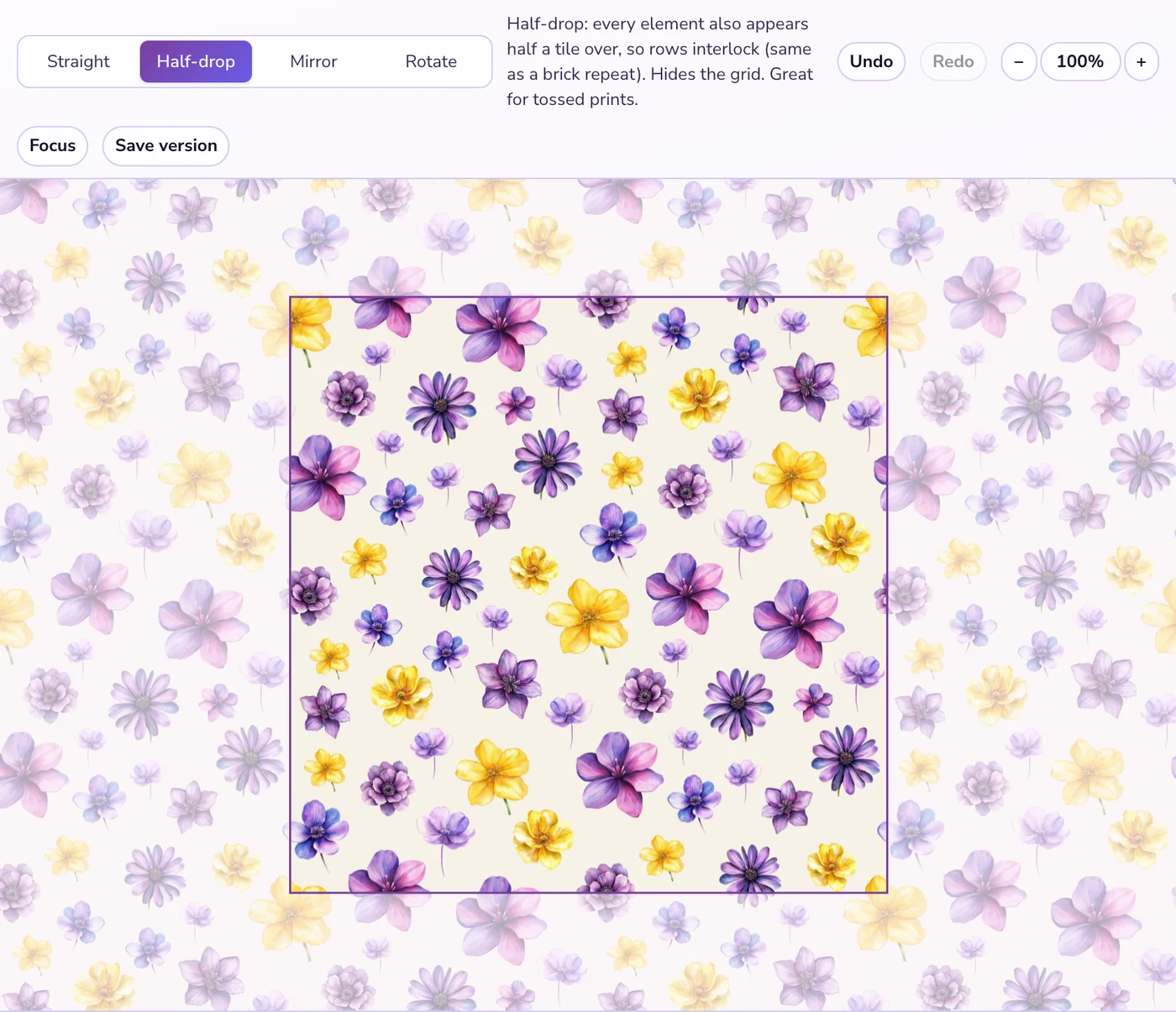
Choose straight, half-drop, mirror, or rotate, then scatter your motifs into a layout or place them by hand.
3. Check the repeat
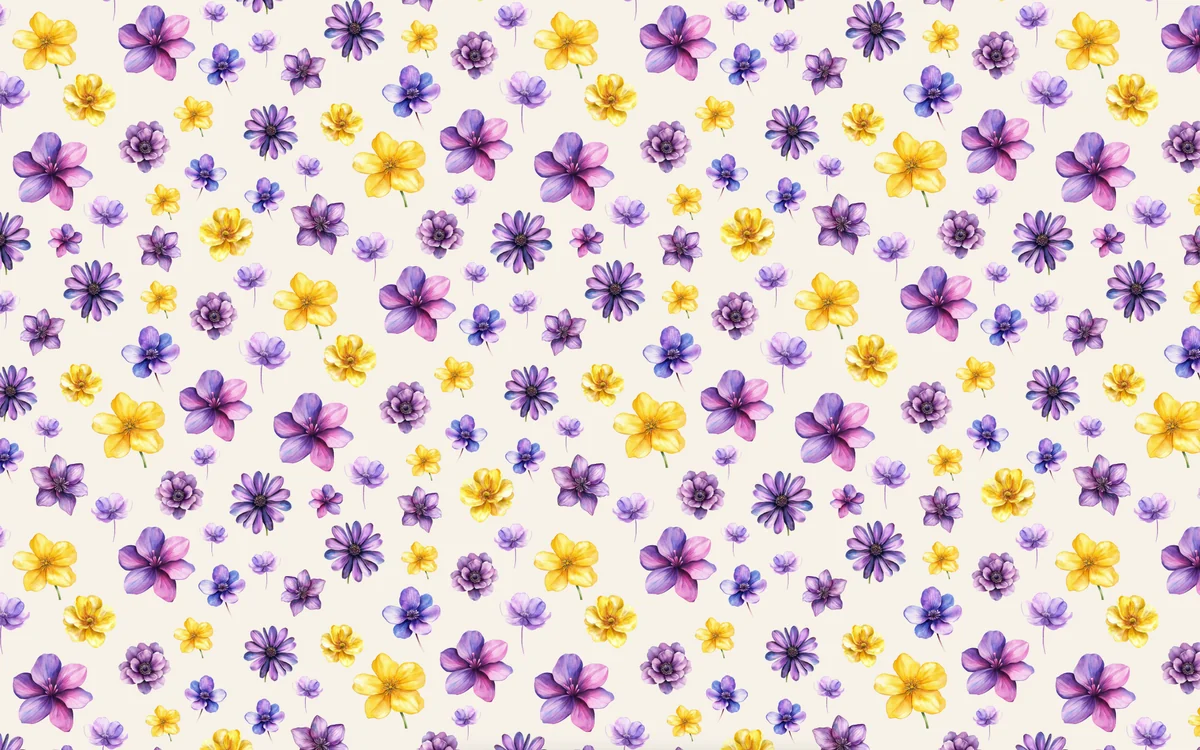
Drag motifs over the edges and watch them wrap. The repeat preview shows the pattern tiled, so you spot gaps and clumps before you export.
4. Make colorways and export
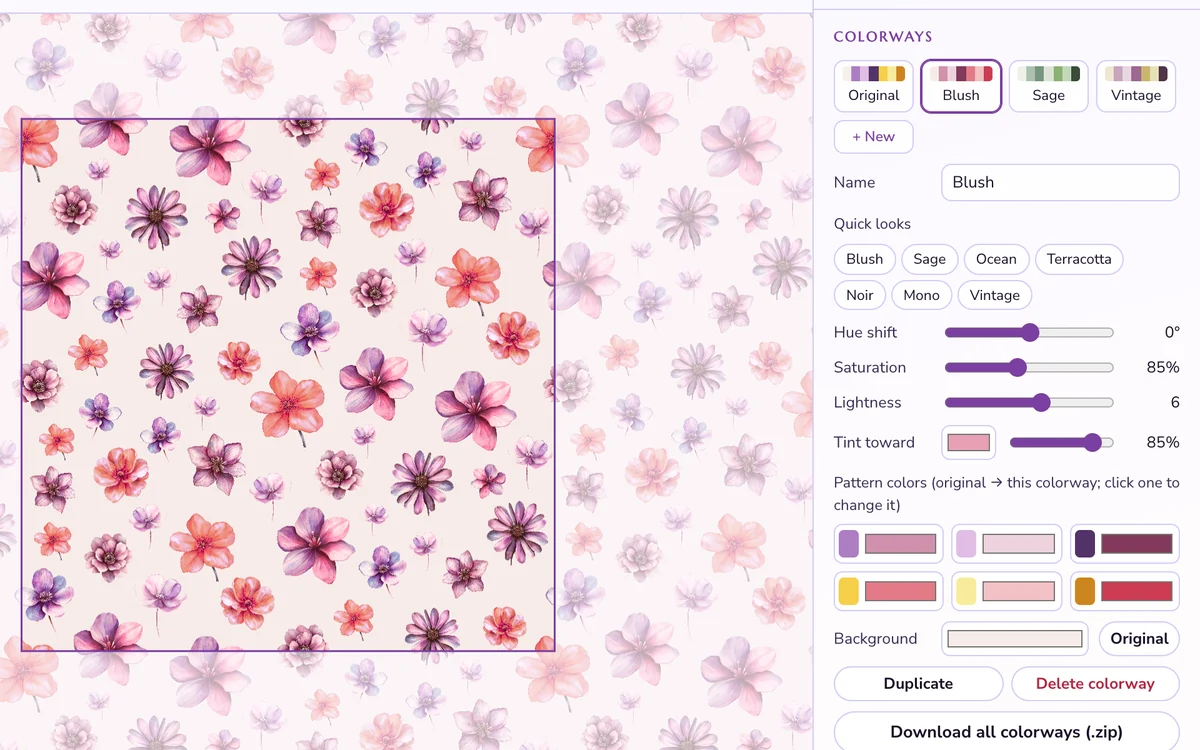
Recolor the whole pattern in a few clicks and switch between colorways any time. Download them all as 300 DPI PNGs, plus a listing preview for your shop photos.
Pattern tools in the Vault
Three tools that work together
Build the pattern, check the seams, then tile it into whatever size you need. All three come with a paid Vault membership.
The Repeat Lab
Build seamless patterns from your clipart, with repeat styles, layouts, textures, and colorways.
Seamless Pattern Checker
Drop in any pattern, including ones you made elsewhere, to see how it tiles and highlight mismatched edges.
Pattern Tiler
Turn a seamless tile into a full-size background in any size or ratio, from square to letter to 9:16.
What you can do
Everything in the Repeat Lab
- Wrap-around placement, so every tile is seamless
- Straight, half-drop, mirror, and rotate repeats
- Scatter with a natural-to-even look, and a no-overlap option
- Remove background for AI-generated motifs
- Flat color, your own image, or a built-in texture as the background
- Colorways: recolor the full pattern and download them all at once
- Export PNG or JPG at 300 DPI, up to 12 × 12 inches, with the DPI written into the file
- Save your project and pick it up later
- 10 layouts: ditsy, scatter, packed, clusters, grid, diamond, honeycomb, stripes, diagonal, and waves
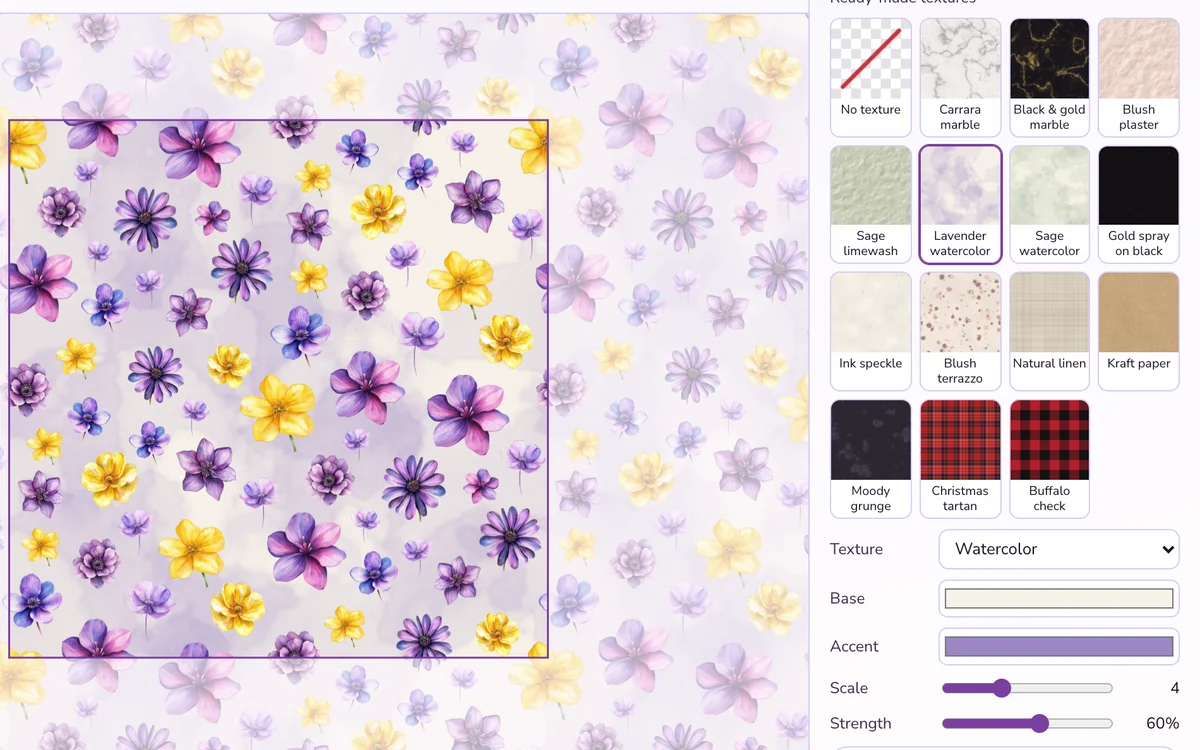
- 9 seamless textures: marble, watercolor, linen, plaid, plaster, terrazzo, paper grain, grunge, and speckle, plus 14 ready-made backgrounds
One tool, a lot of products
What will you make?
Digital paper sets
Build one pattern, make four colorways, and you have a full paper pack to sell on Etsy or your own shop.
Print-on-demand
Fabric, wrapping paper, phone cases, and more. Export at print size and upload.
Backgrounds + branding
Patterns for planners, journals, social posts, packaging, and your own brand.
More from your clipart
Already sell clipart? Turn each set into matching patterns to sell alongside it.
Every pattern you make is yours to sell, give away, or use with clients. No watermarks, no “made with” branding.
Built for people who sell digital paper, clipart, printables, and print-on-demand products, or anyone who’s tired of fixing seams by hand. No design software and no design background needed.
Questions
How do I get the Repeat Lab?
Join the Vault with a paid membership. Monthly and annual plans are available. The Repeat Lab, Seamless Pattern Checker, and Pattern Tiler are in your Vault dashboard, along with 30+ more tools and 15,000+ commercial-use files.
What is the Vault?
The Vault is my membership for people who make and sell digital products. It has 30+ tools I built, like the Repeat Lab, plus 15,000+ commercial-use files. You join through Skool.
Do I need Canva, Photoshop, or design experience?
No. The Repeat Lab works on its own in your web browser. If you can drag an image onto a square, you can make a pattern.
Can I sell the patterns I make?
Yes. Make unlimited patterns for personal or commercial use: sell them, give them away, or use them with clients. Use clipart and images you have the rights to. The textures the Repeat Lab generates are yours to use. See the license terms.
Can I use clipart I bought from someone else?
Yes, if that clipart’s license allows patterns and commercial use. Some clipart licenses exclude patterns or digital paper, so check before you sell.
Can I use AI-generated images?
Yes. Use them as individual motifs, and use Remove background to clear the plain background around each one. The Repeat Lab handles the repeat.
What size and format are the exports?
PNG or JPG at 300 DPI, in sizes up to 12 × 12 inches (3600 px). PNG is best for anything you sell or print. You can also download a listing preview that shows the pattern repeated.
Does it upload my clipart anywhere?
No. Your images stay in your browser while you work. Use Save project to keep a backup on your computer.
What devices does it work on?
It runs in your web browser and works best on a computer.
I’m already a paid Vault member. Where is it?
It’s already in your Vault dashboard with the other tools. Nothing extra to buy.
Stop fixing seams. Start making patterns.
Add your clipart, choose a repeat, and export a pattern that tiles cleanly the first time.
Works in your browser · Unlimited patterns · Sell what you make
The Repeat Lab comes with the whole Vault
Stop Starting from Scratch Every Time
The Lunar Leo Design Vault is a growing creative-business toolkit designed to help you make, solve, plan, package, and finish your work faster.
Inside paid access, you’ll find:
- 30+ original tools for design, product creation, marketing, organization, and getting unstuck
- 15,000+ commercial-use files, including clip art, digital paper, and stock images
- A growing library of resources you can come back to whenever you need them
VIP members also get additional templates, mockups, courses, PLR resources, and more.
The goal is simple: give you useful tools and resources so you don’t have to rebuild the same parts of your business from scratch every time.
Full access is available with monthly or annual billing. Cancel or change plans anytime.