
The Journal Builder
Create a custom journal, ready to use or sell, in minutes
Add your branding, choose your prompts and affirmations, and download a polished, printable PDF journal with your name on it. No building every page by hand.
Lifetime access · Works in your browser · Sell what you make
Paid Vault members already have the Journal Builder in their Vault dashboard.
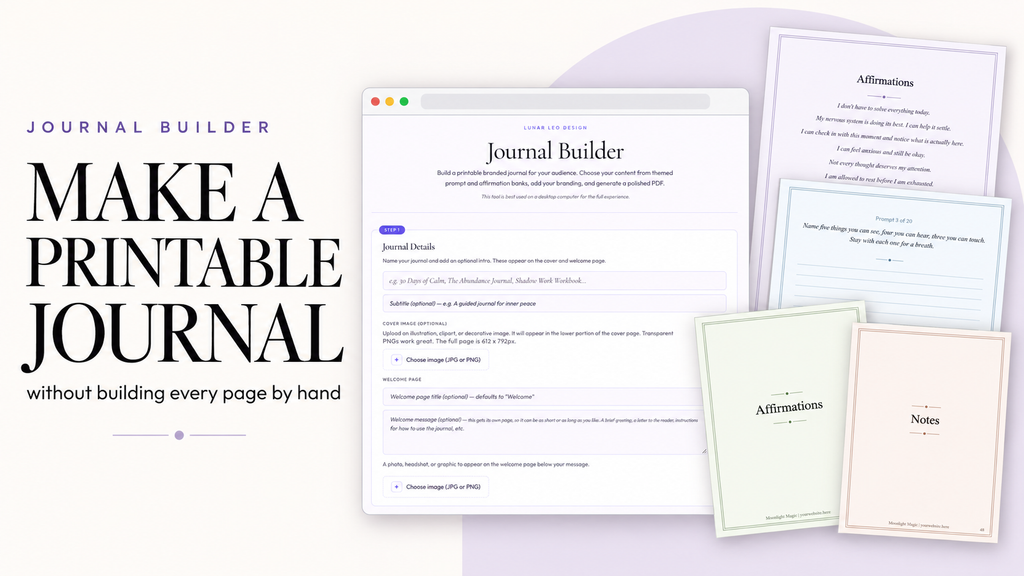
Stop turning one good journal idea into hours of formatting
You have a journal idea you know would be useful, sellable, or valuable to your clients. Then you remember everything that comes after the idea: writing prompts, coming up with affirmations, building the pages, formatting everything, creating dividers and notes pages, keeping the branding consistent, and assembling the final PDF.
So the idea stays on your list.
The Journal Builder does all of that for you. Add your content and branding, choose what you want included, and generate the finished journal in minutes. Not another Canva template. An actual journal-building tool.
See it in action
From blank page to finished PDF
A 7-minute walkthrough of building a journal from start to finish.
See a finished journal
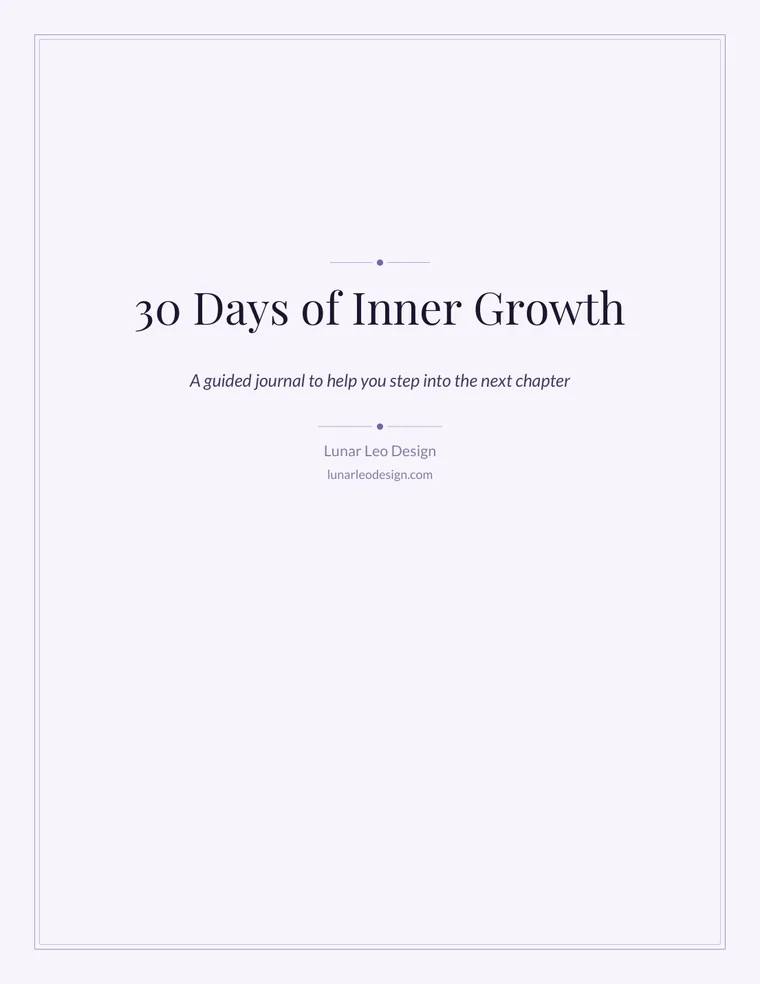
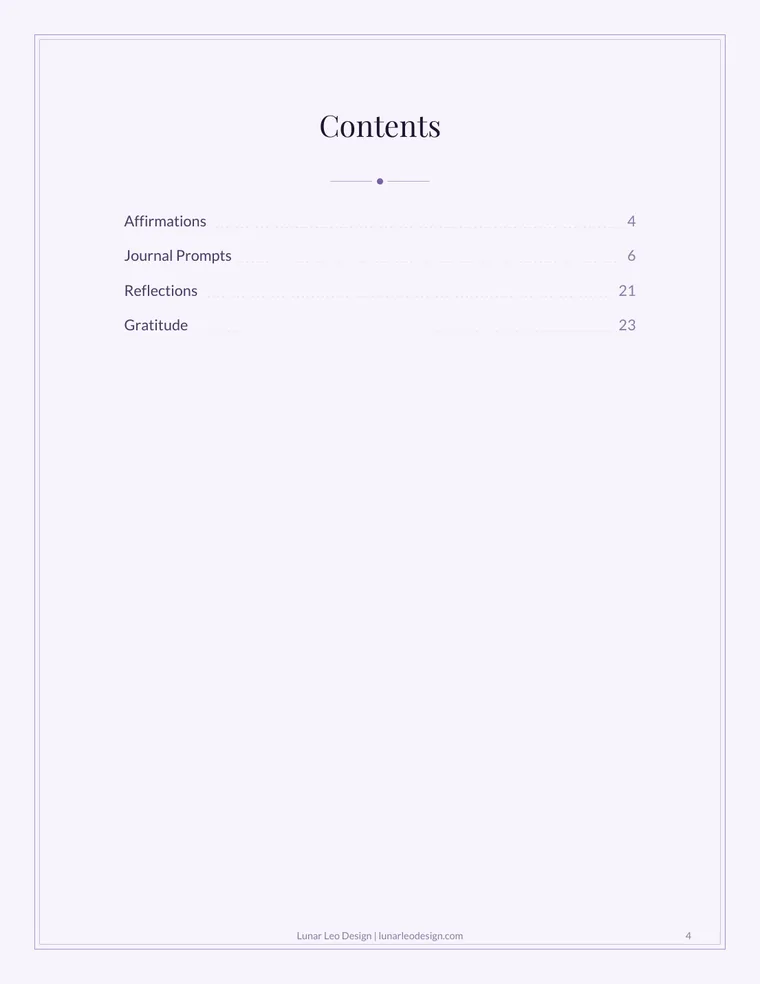
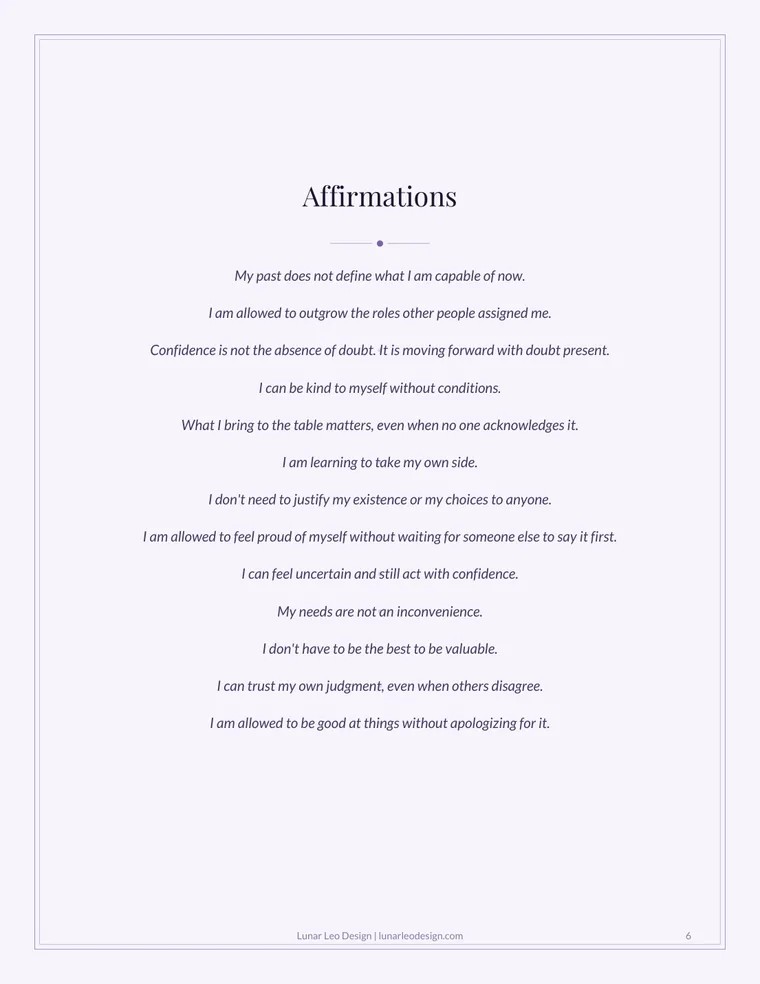
Real pages from a journal made with the Journal Builder
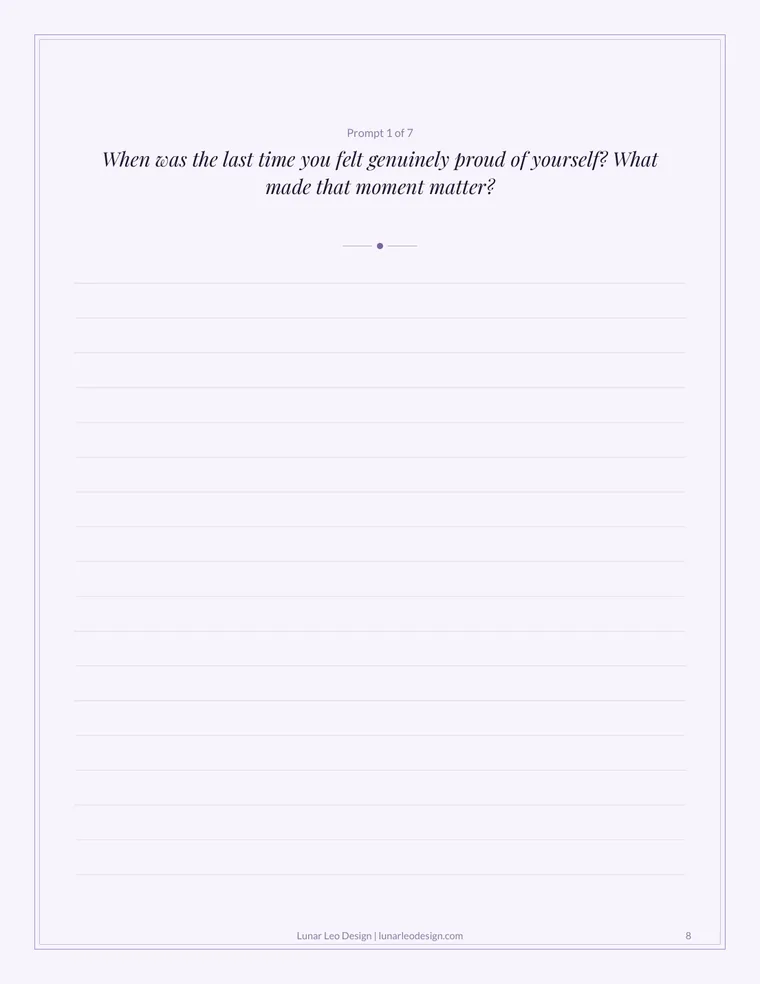
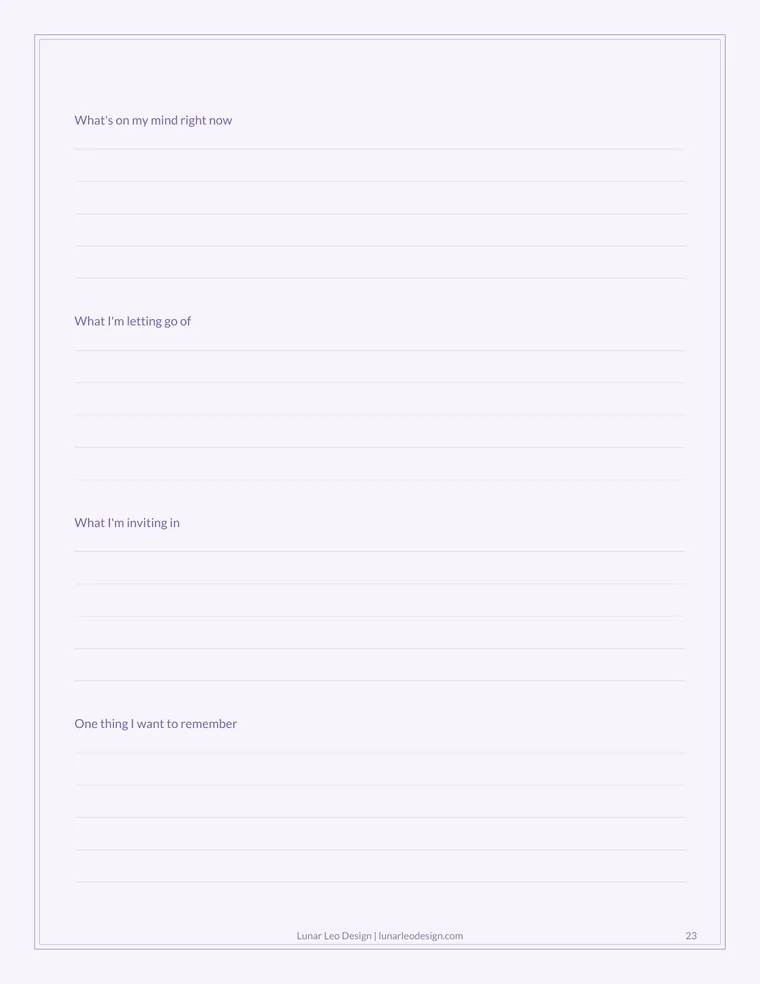
A sample from 30 Days of Inner Growth, made in the Journal Builder: the cover, contents, affirmations, a prompt page, a reflection page, and a gratitude list. Your journal gets your name, colors, and content.

How it works
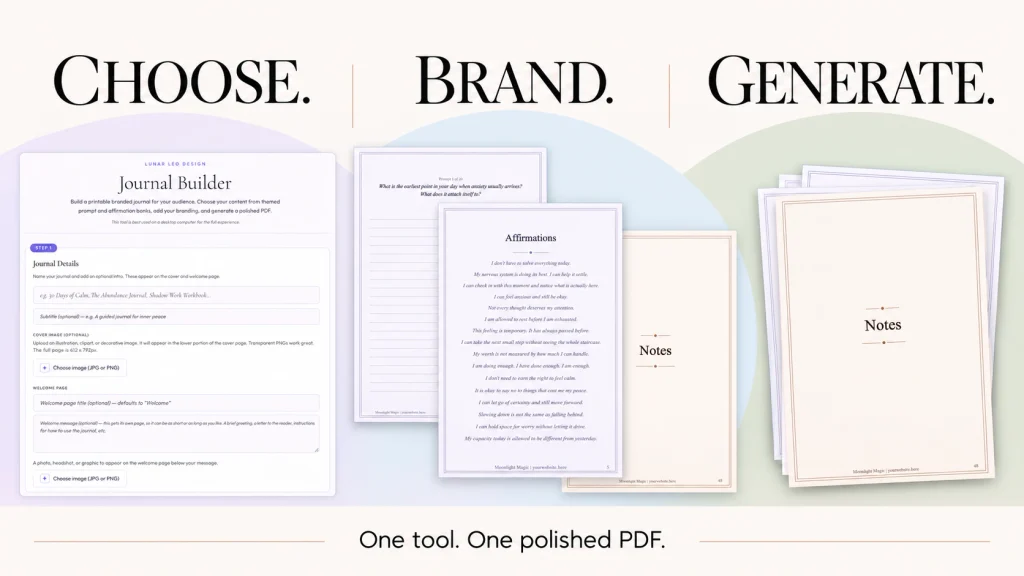
Choose. Brand. Generate.
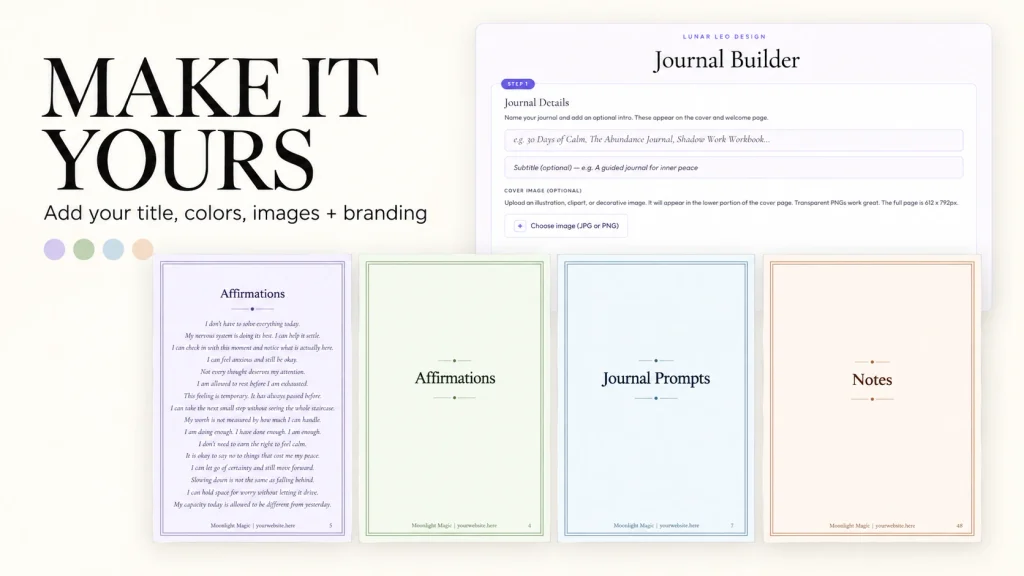
Give your journal a name, something like 90 Days of Calm, The Abundance Journal, or Shadow Work Workbook, then build it out.
1. Add your branding
Upload your logo, choose your colors, and add your name or website.
2. Choose your pages
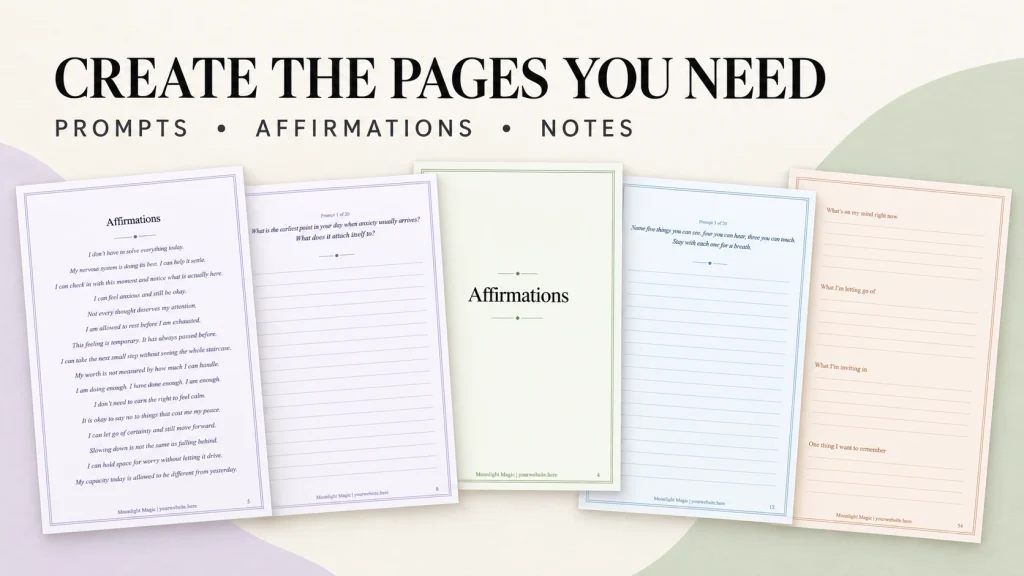
Add a welcome page, prompts, affirmations, notes pages, dividers, and more.
3. Add your content
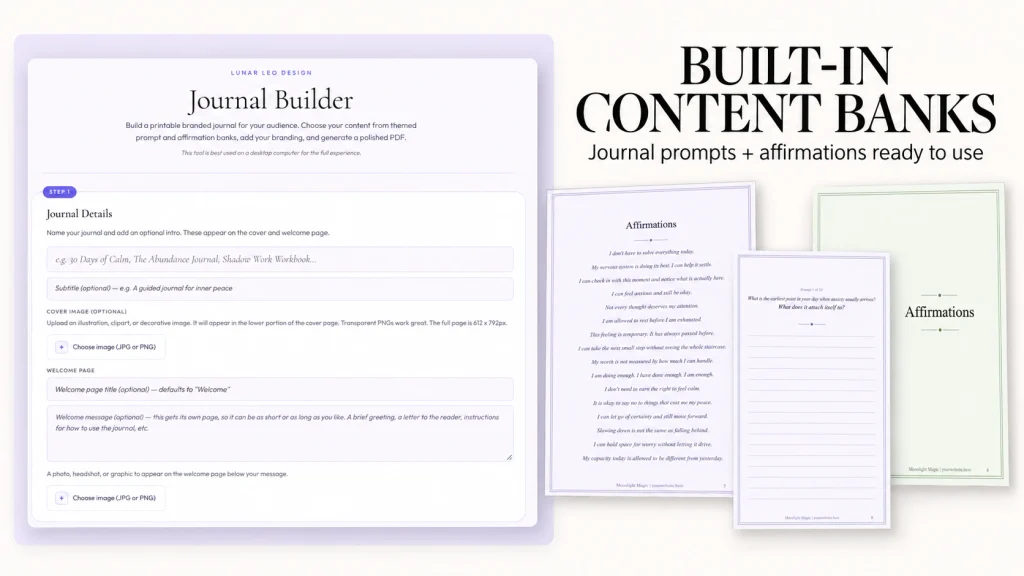
Use the built-in prompt and affirmation banks as-is, mix themes, swap individual prompts, or write your own from scratch.
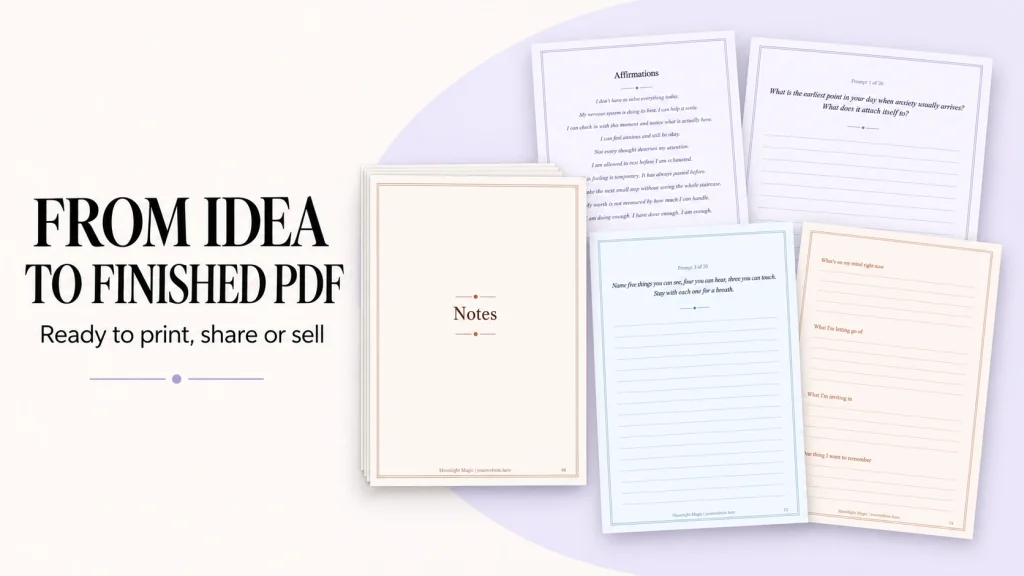
4. Generate your journal
Download your finished branded PDF, ready to print, share, bundle, or sell. Want to decorate it more? Drop it into Canva and add finishing touches.
What you get
Every journal can include
- Branded cover page
- Welcome page with your message and image
- Affirmation pages, formatted and centered
- Prompted journal pages with writing lines
- Notes pages and section divider pages
- Your footer on every page, if you want it
Built-in prompt + affirmation banks
Anxiety & nervous systemGrounding & mindfulnessLetting go & releaseManifestation & intentionShadow workGratitudeSelf-worth & identity
One tool, unlimited ways to use it
What will you make?
A paid digital product
Build a niche journal around your own prompts, method, or expertise and sell the finished PDF.
A course companion
Turn your teaching into a workbook or journal without creating every page manually.
Client resources
Give clients something polished to use between sessions, appointments, or meetings.
Lead magnets + bonuses
Create branded journals, reflection guides, and challenges without starting from an empty Canva file.
Every journal you build is yours. Download it, sell it, gift it, print it. No watermarks, no “powered by” branding. Just your name on a beautiful thing you made in ten minutes.
Built for people who have the content, but not the time to design 30 pages: coaches, course creators, wellness professionals, spiritual businesses, educators, and digital product sellers. Write your own prompts and it isn’t limited to spiritual or wellness journals.
Questions
Do I need Canva?
No. The Journal Builder creates the finished PDF for you. Canva is completely optional. If you want to add extra graphics, decorative elements, or other design touches afterward, you can upload your finished PDF to Canva and keep editing there.
Is this a template?
No. The Journal Builder is an actual journal-building tool. You choose your content, pages, colors, and branding, and the tool generates the finished PDF for you.
Can I use my own prompts and content?
Yes. You can use your own content, the built-in prompts and affirmations, or a combination of both.
Can I sell the journals I create?
Yes. You can use the finished journals you create as paid digital products, workbooks, course resources, client materials, lead magnets, bonuses, bundles, and other business resources, subject to the Products & Licensing Policy.
Can I make more than one journal?
Yes. You can use the Journal Builder to create multiple journals for different products, clients, audiences, or projects.
What do I receive?
Lifetime access to the online Journal Builder for the lifetime of the tool. Your completed journals export as printable PDFs that you can keep and continue using under the applicable license.
I’m a Vault member. Do I need to buy it?
No. The Journal Builder is included for paid Vault members. You’ll find it in your Vault dashboard.
You’ve had the idea. Now you have the tool.
That journal you keep meaning to create. The course companion you never finished. The client resource sitting in your notes. Choose your content, add your branding, and generate the PDF.
Lifetime access · Works in your browser · Sell what you make
Want the Journal Builder, plus 30+ more tools and 15,000+ commercial-use files?
Stop Starting from Scratch Every Time
The Lunar Leo Design Vault is a growing creative-business toolkit designed to help you make, solve, plan, package, and finish your work faster.
Inside paid access, you’ll find:
- 30+ original tools for design, product creation, marketing, organization, and getting unstuck
- 15,000+ commercial-use files, including clip art, digital paper, and stock images
- A growing library of resources you can come back to whenever you need them
VIP members also get additional templates, mockups, courses, PLR resources, and more.
The goal is simple: give you useful tools and resources so you don’t have to rebuild the same parts of your business from scratch every time.
Full access is available with monthly or annual billing. Cancel or change plans anytime.